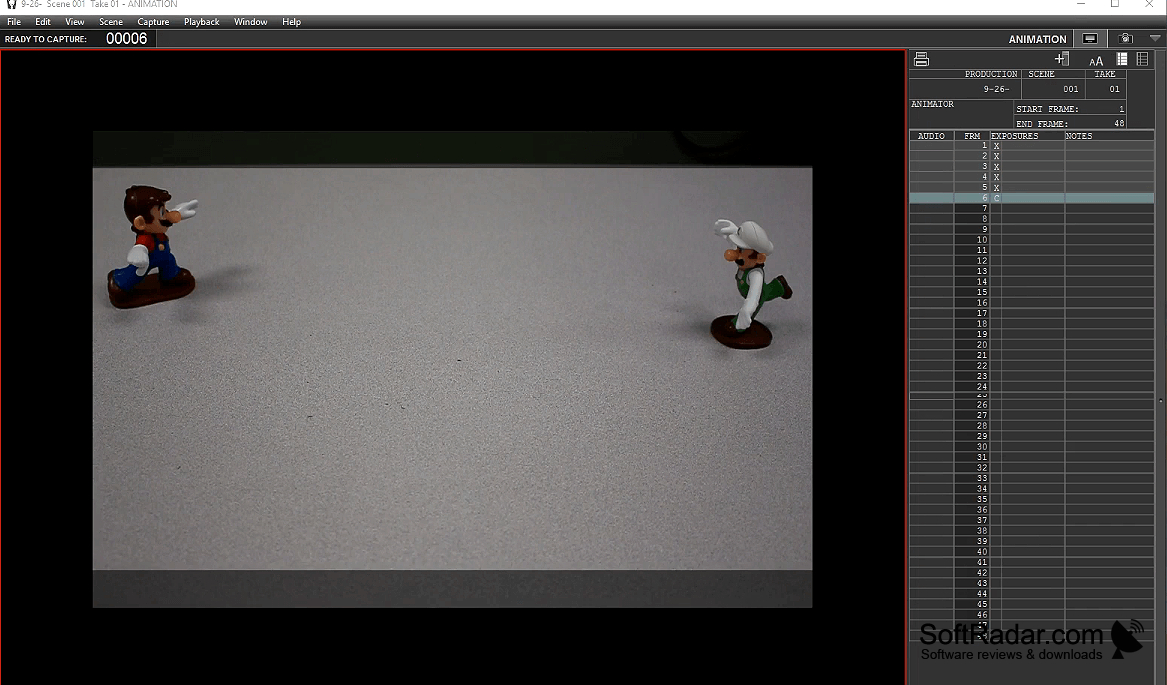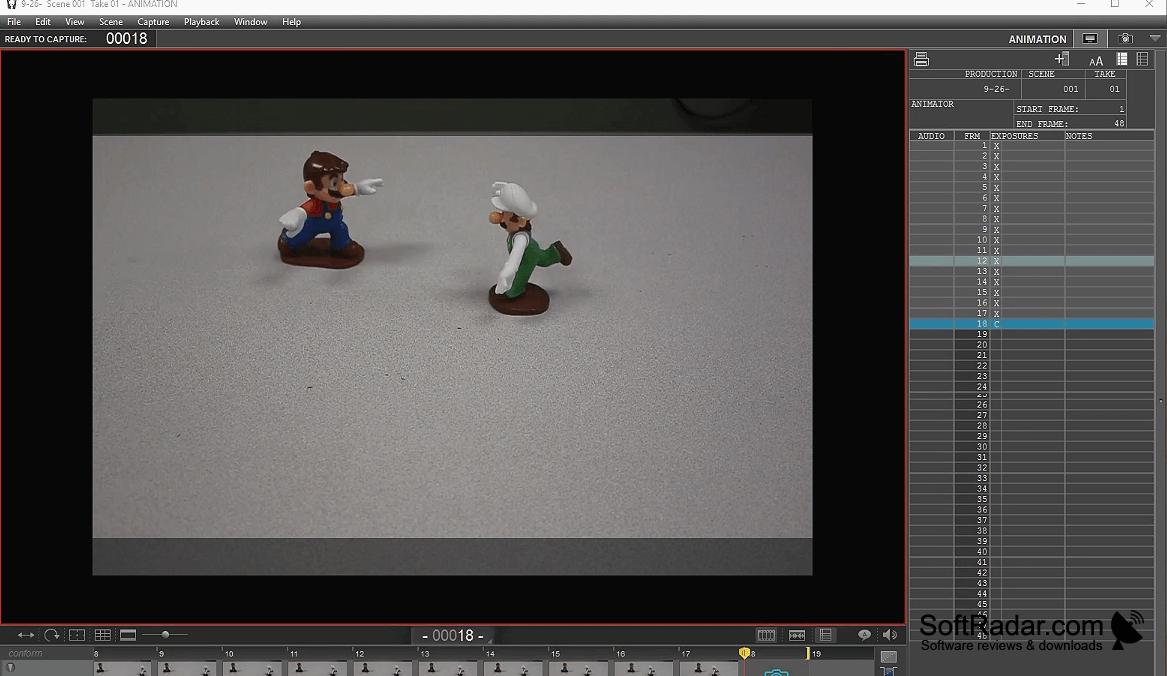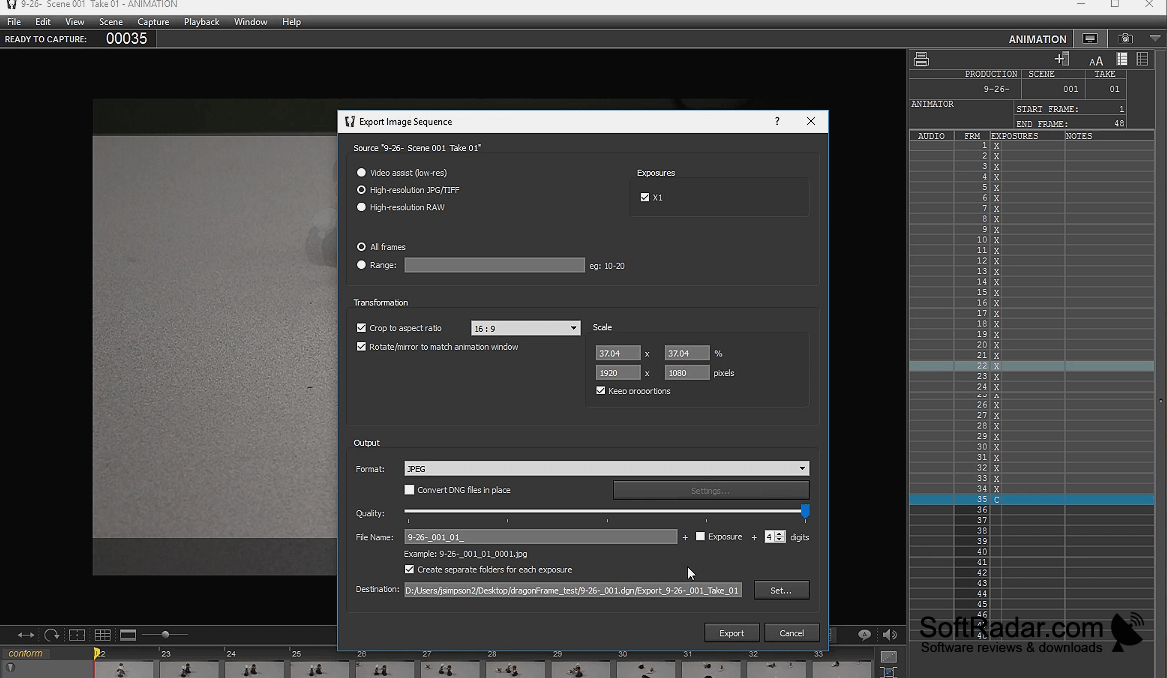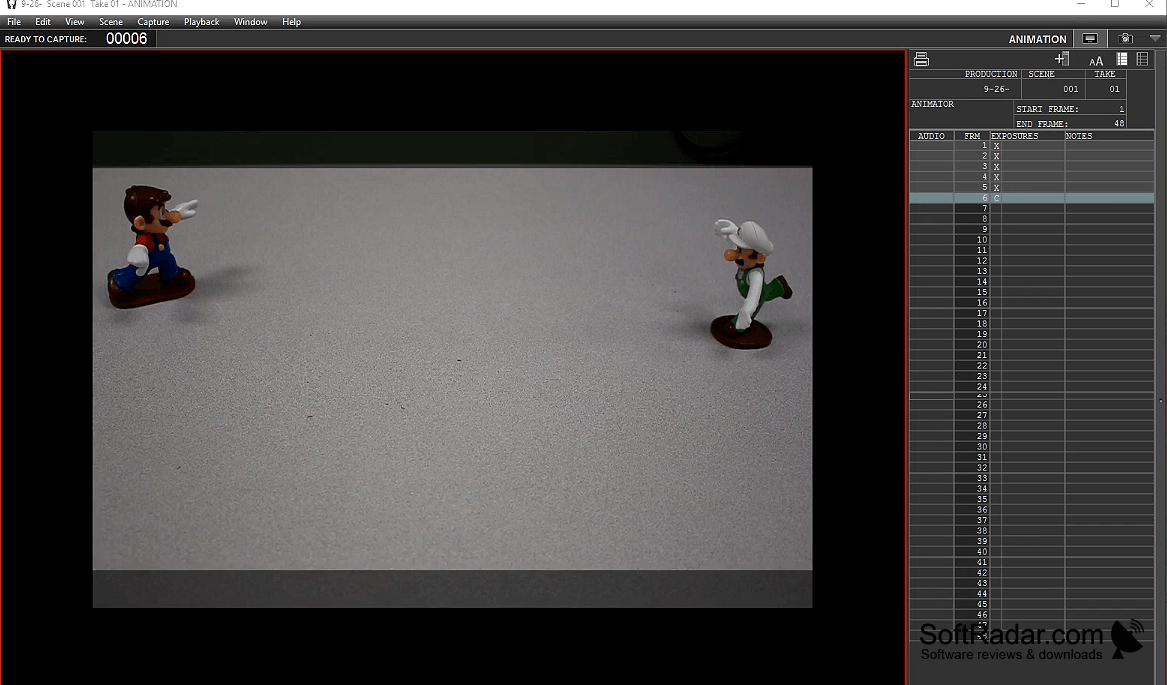
Dragonframe helps stop-motion filmmakers build scenes one frame at a time while checking how each change affects the sequence. Animators can capture images from a connected camera, switch between the camera feed and earlier frames, and play back a section to assess timing. Reference images and video can appear alongside the shot during production.
It keeps frame capture and shot planning together, so animators can check changes as they work.
Camera adjustments, framing overlays, test images, and exposure checks help with shot setup. The timeline handles multiple audio tracks and character dialogue cues, while lighting can follow programmed keyframes through compatible hardware. Camera movement can also be planned in the same workspace. Configurable shortcuts and a dedicated keypad provide alternatives to mouse controls.
Features:
- Capture frames and preview animated sequences
- Overlay reference images and video
- Adjust camera exposure and focus
- Edit audio and align dialogue cues
- Schedule lighting changes with keyframes
- Plan controlled camera movements